
Generated clipThe Snail Who Wanted the Stars
The Snail Who Wanted the Stars
29.57 seconds · 9:16 · 720 × 1280

Loading
Account required to start. Text in, video out — no imports or YouTube conversion.
Example output
See what this bedtime story video maker produces. Play the complete video with sound to check the calm narration, captions, and storybook visuals.
29.57 seconds · 9:16 · 720 × 1280
Go from a tale or topic to a bedtime video you can download and publish yourself.
What will your video be about?
Let AI choose a topic from the Bedtime Story template, enter your own topic, or paste a finished script. Then choose your language, voice, visual style, and duration. Select 9:16 for a vertical video.
Your package is taking shape.
Check the fixed credit cost and start generation once. The script, scene plan, voiceover, visuals, captions, music, and finished video are created automatically.
Your download package
Download the finished MP4 and accompanying files, including suggested post text and hashtags, then upload it to your platform yourself.
Download your finished video with voiceover, visuals, captions, and music, plus your script, subtitles, and cover.
Your complete video with voiceover, visuals, captions, and music, ready to download.
The narration text from your video, saved separately for reference or reuse.
A separate subtitle file with timing information for compatible editing tools.
A separate image you can use when preparing your video’s cover.
A record of the scene descriptions used to create your video.
Suggested post text, hashtags, and a call to action based on your final topic and narration.
A checklist for checking your video, audio, cover, music rights, and publishing settings.
Use these frames from the demo video to see what to check when you preview your own video before publishing.
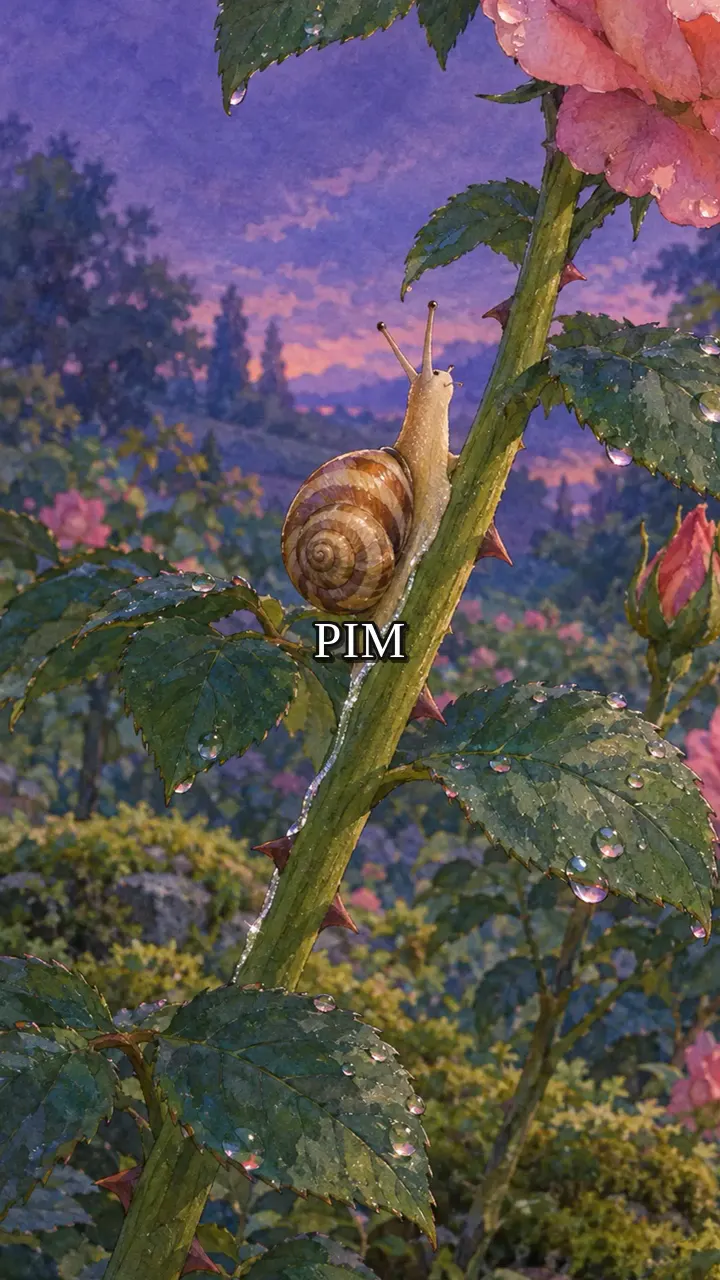
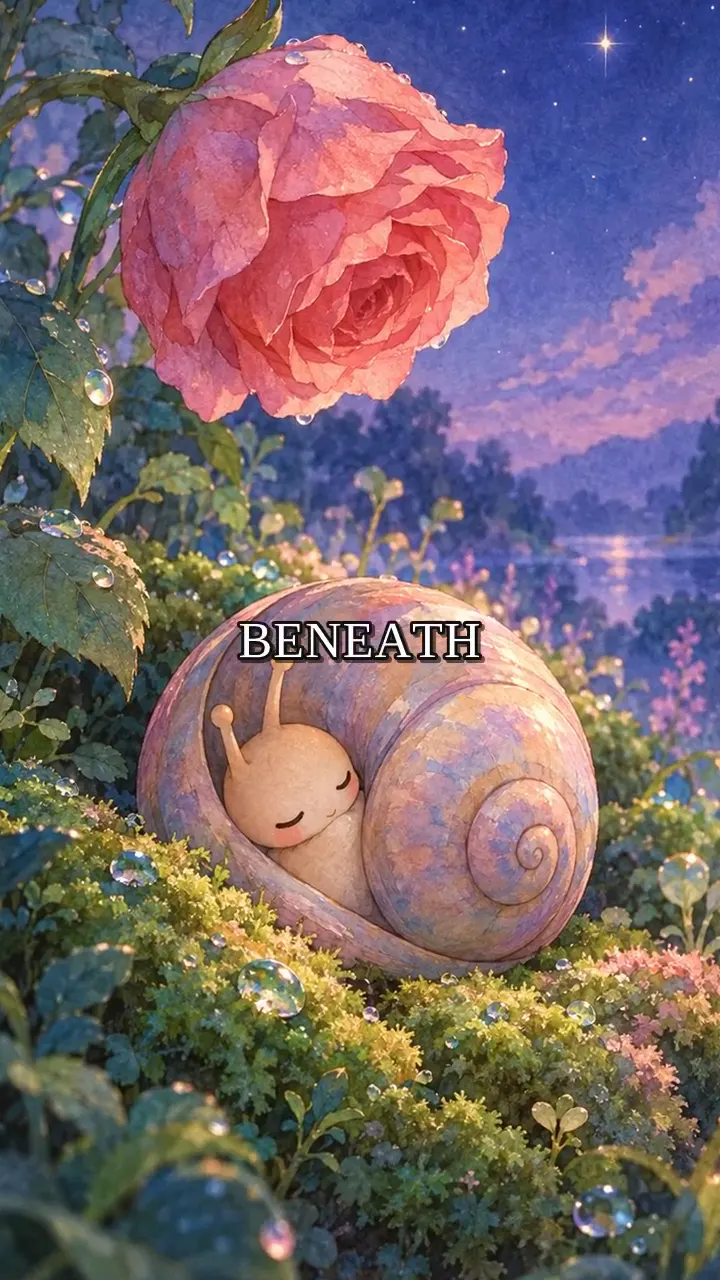
Choose the topic, voice, caption style, and music. The AI writes, narrates, and illustrates the video for you.
Turn your topic or narration into a complete bedtime story video without stopping for script approval during generation.
FacelessReel plans gentle scenes and combines illustrated visuals with soft voiceover, readable captions, and calm background music automatically.
Select your language, calm narrator voice, caption style, and background music from the options available in the generator.
Find the story type that fits your topic, then select it in the generator.

Tell gentle, winding-down tales with a soft opening, a calm journey, and a peaceful ending. Write your own story or start from a topic.

Turn relatable first-person conflicts and everyday dilemmas into narrated short videos with scene visuals, captions, and music.
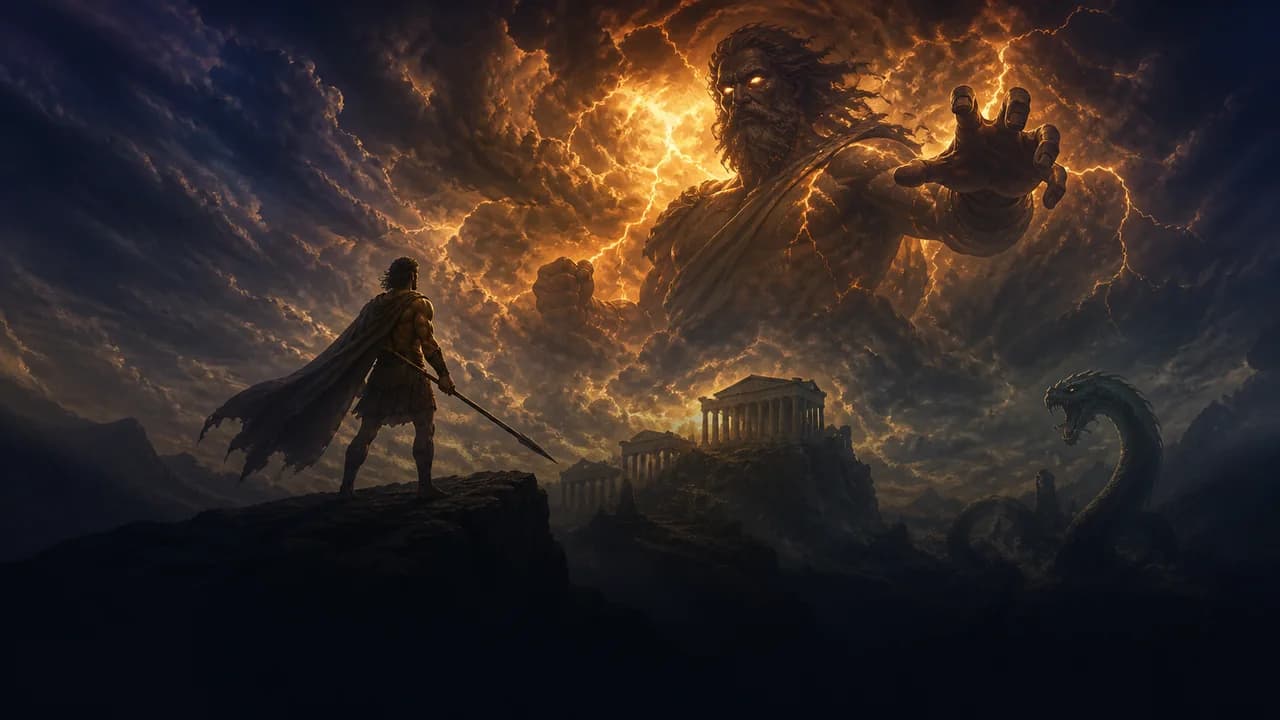
Tell stories of gods, heroes, and monsters through their conflicts and choices. Keep each retelling tied to a specific myth or tradition.
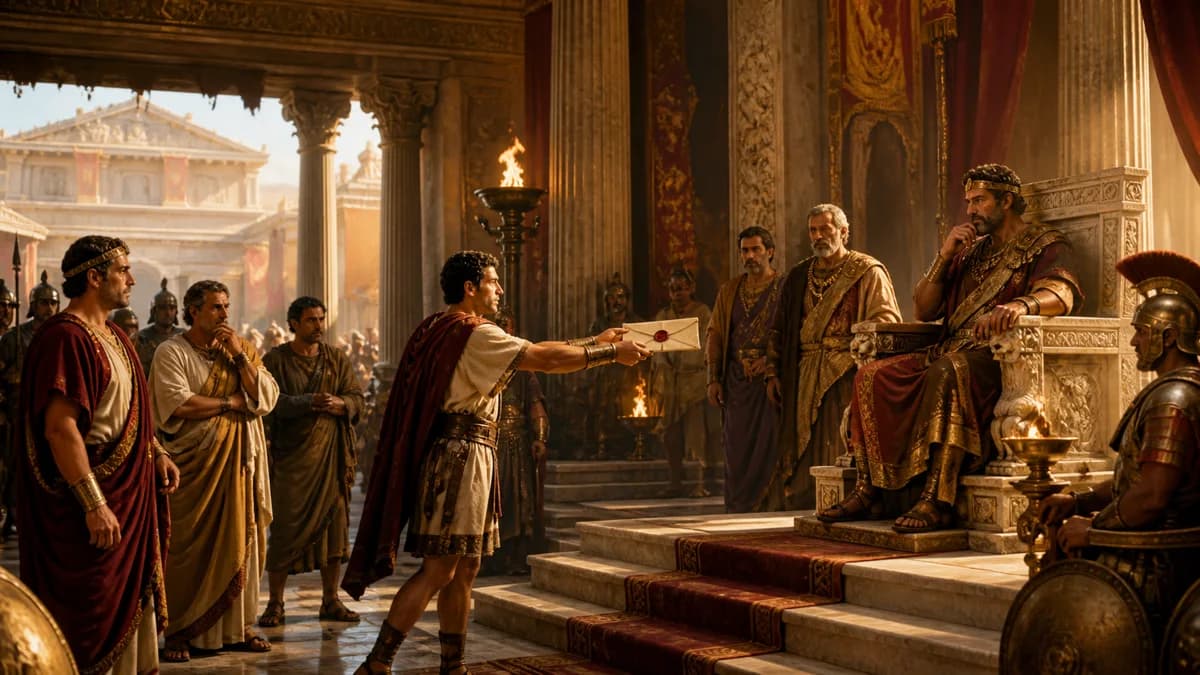
Tell a story about a historical event, person, or turning point. Explain what happened and why it mattered.
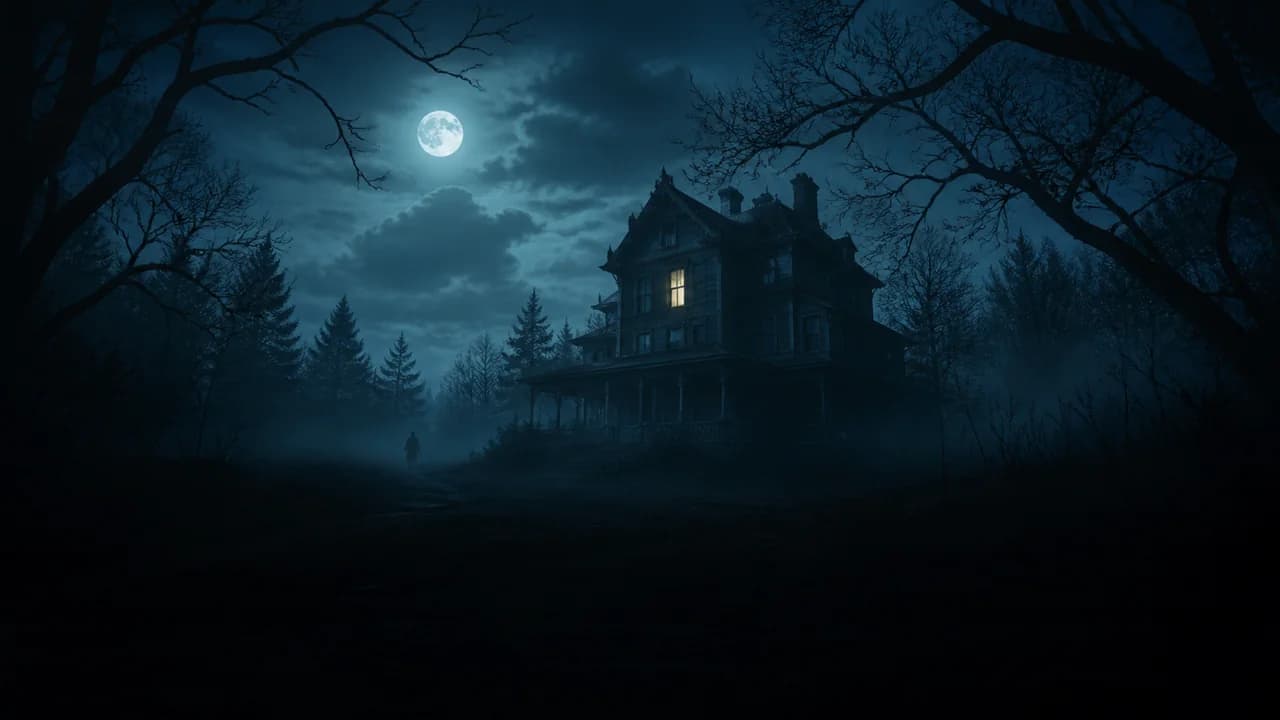
Create fictional horror stories with an unsettling opening, rising tension, and a disturbing reveal.
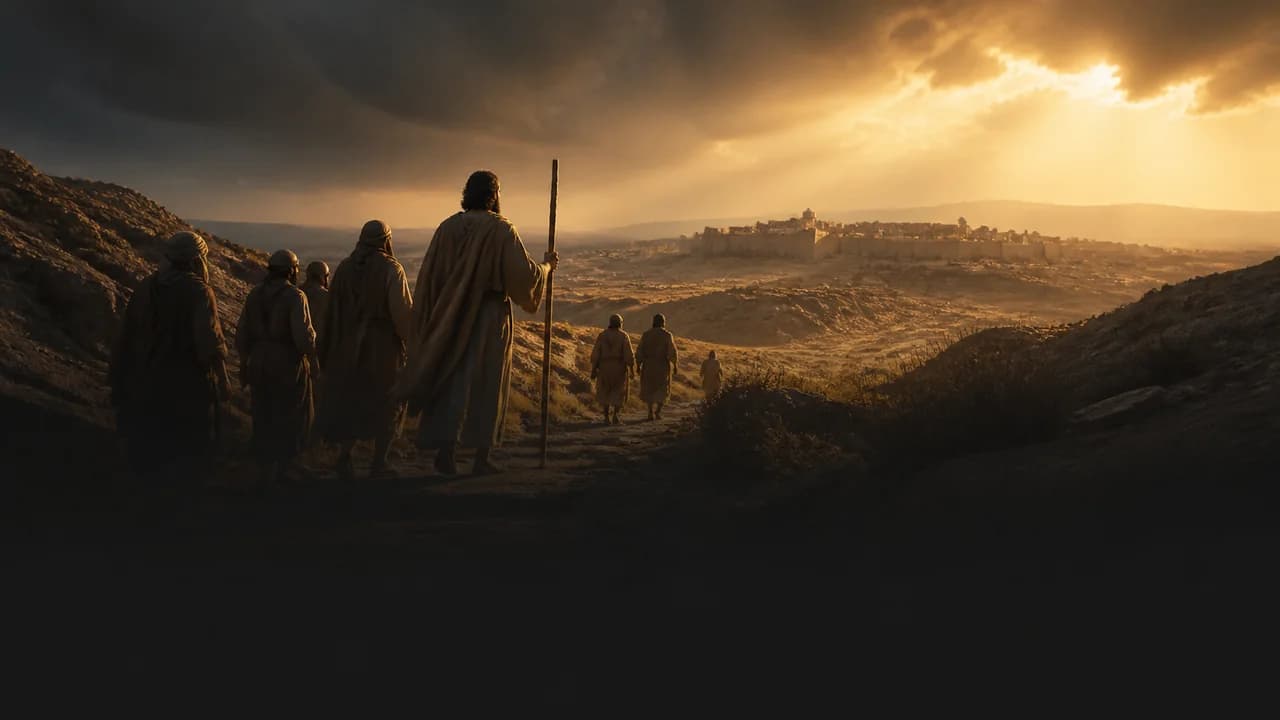
Retell well-known biblical narratives with structured narration, cohesive visual scenes, synced captions, and background music.
Check the available durations, languages, aspect ratios, and resolutions.
| Input | Enter a topic, use an AI-suggested topic, or paste your own script. |
|---|---|
| Your Script | 80–6,000 characters when you paste your own script. |
| Target Length | 30, 45, 60, or 90 seconds. Bedtime Story defaults to 60 seconds in the generator, and you can pick any supported length. |
| Aspect Ratio | 9:16 vertical, 1:1 square, or 16:9 landscape. Choose 9:16 for vertical short-video platforms. |
| Cinematic Resolution | 720p, 1080p, or 4K. |
| Languages | English, Spanish, Portuguese, French, German, and Mandarin Chinese. Available voices depend on the selected language. |
| Download Format | MP4, included in your download package. |
This workflow uses AI-generated scene visuals. For Minecraft gameplay backgrounds, use our Minecraft Parkour Video Generator.
See the exact credit cost before you generate and which outputs may be used commercially. Review the privacy and refund terms before you decide.
Video production uses paid credits from a one-time credit pack or monthly plan starting at $15.
Each duration and resolution uses a fixed credit price shown clearly before generation starts.
View Pricing DetailsYou will see the fixed video production price for your selected duration and resolution before generation.
When generation starts, that price is locked. Internal provider choices, retries, and fallbacks do not change it.
View PricingWe do not use your prompts or outputs to train our own AI models.
Third-party AI and infrastructure providers process content needed to deliver the service under their own agreements and privacy terms.
Read the Privacy PolicyOutputs created with paid credits or an active paid plan may be used commercially under our terms, provided your inputs follow copyright and platform rules.
Commercial-use permission does not guarantee exclusive rights, copyright protection, platform acceptance, or monetization eligibility.
Read the Commercial-Use TermsGet clear answers about inputs, editing, downloads, publishing, and payment.
Yes. Choose I have a script at the top of the creator and paste 80–6,000 characters of narration. Keep sentences short and the tone calm, and pick a slower voice and soft background music in the generator.
Paste Your ScriptChoose your story input and available video settings before starting automatic production. After production, there is no built-in timeline editor. Download the MP4 and use your own editing software for further changes.
See the Story ControlsNo. This tool creates new story videos from a topic or text script. It does not import YouTube links, extract clips from existing videos, or convert uploaded video, podcast, or audio files.
Check the Input LimitsYou get a finished video, your narration script, a separate subtitle file, a cover image, scene descriptions, suggested post text and hashtags, and a publishing checklist. The video is an MP4 and the subtitles are SRT. Voiceover, music, and scene visuals are included in the video, rather than supplied as separate files.
See the Download ContentsNo. Download your video and upload it to your platform yourself. Your package includes suggested post text, hashtags, and a call to action based on your final topic and narration. Automatic posting and scheduling are not included.
See the Before-Posting ChecklistNo. Video production uses paid credits from a one-time credit pack or monthly plan starting at $15. You can preview the full example video on this page and see the fixed credit price before generation starts.
View Pricing DetailsThe generator shows the fixed price for the selected duration and resolution before you start. That amount is reserved and locked when automatic generation begins. A confirmed production failure that prevents core delivery restores the full reservation.
Read the Billing SummaryYes, outputs created with paid credits or an active paid plan may be used commercially under the terms. You must have the rights to your inputs and follow platform rules. Commercial-use permission does not guarantee exclusive rights, copyright protection, platform acceptance, income, or eligibility for monetization programs.
Read the Commercial-Use TermsWe do not use your prompts or outputs to train our own AI models. Third-party AI and infrastructure providers process content needed to deliver the service under their own agreements and privacy terms. Their data-use and retention rules may differ.
Read the Privacy PolicyAfter you start generation, FacelessReel automatically creates the script, voiceover, visuals, captions, and finished video. Production time varies with video length, resolution, and provider availability; check your project for its current stage.
See the Creation ProcessCheck your project status before starting another generation. Contact support if production fails, appears stuck, or reports success without a usable file. A delay alone does not confirm failure. Confirmed technical failures that prevent delivery of a usable output restore affected credits under the refund policy.
Contact SupportDisliking a successfully generated video’s style does not automatically qualify for a cash refund or credit restoration. Confirmed technical failures may restore affected credits; this is not a cash refund. Fully unused purchases may qualify for a cash refund when requested within 7 calendar days, subject to the refund policy.
View Refund ConditionsGive your story a soft voice, dreamy visuals, captions, and music, all in one downloadable package.