
Scary Story
Complete video · Sound available
Turn a topic or your own script into a faceless Short with AI voiceover, scene visuals, captions, and music. Review the script and written storyboard before production, then download your video and YouTube publishing copy for manual upload.
Choose Your Content
Choose how to start, then select or describe your story type.
AI will choose a topic that fits Scary Story.
Start with a topic or narration script. This workflow does not extract clips from an existing video or YouTube link.
Watch three complete faceless YouTube Shorts with narration, scene visuals, music, and on-screen captions.
Complete video · Sound available
Complete video · Sound available
Complete video · Sound available
This AI YouTube Shorts maker turns a topic or script into a faceless video. Review the script and written storyboard, then confirm the cost before production.
Choose a story format and enter a topic, let AI suggest one, or use your own narration script. Set the language, duration, and visual style.
Edit and approve the script, then review and approve the written storyboard. The storyboard shows scene descriptions, not generated images. Review the credit quote and confirm production.
The workflow generates the narration, visuals, captions, music, and finished video. Download the package, review the video and YouTube publishing copy, then upload it yourself.
Get the finished Short, script, subtitles, cover image, and supporting files in one ZIP. Select YouTube Shorts to include suggested publishing copy.
An MP4 with narration, scene visuals, on-screen captions, and background music. Voiceover, scene images, and music are combined in the video, not supplied as separate files.
master.mp4The narration text used in your video, saved as a readable Markdown file.
script.mdSubtitle text and timestamps in SRT format for compatible video tools. Editing this file does not change captions already rendered in the MP4.
captions.srtA separate WebP cover image for your video.
cover.webpA JSON record of the written scene plan for reference, rather than a video editing project.
storyboard.jsonSuggested title, description, and hashtags, included when YouTube Shorts is selected. Review them before uploading.
platforms/youtube-shorts/copy.mdReminders to check framing, caption timing, the cover image, music rights, and final playback before posting.
publish-checklist.mdWatch the finished video and review the YouTube publishing copy before uploading it yourself. Check names, facts, and captions.
Download your video, review the publishing copy, and upload it yourself.
Download the ZIP and watch the MP4. Check names, facts, pronunciation, scene continuity, subtitle timing, audio, and video length.
In YouTube Studio, choose Create → Upload videos. Select the MP4 from your download.
Review the suggested title, description, and hashtags. Set the audience and visibility. Confirm you have permission to use the music and third-party content. Copyright claims can affect playback or monetization; review YouTube’s checks before publishing.
Edit the narration and written scene plan before production. When available, add AI Motion to selected scenes after the Cinematic video is ready.
Edit the opening and narration text before approving the script. Check names, facts, and wording so the voiceover says what you intend.
Review the written storyboard and adjust scene descriptions, shot types, and motion directions. This is a text plan; scene images are generated after you confirm production.
Start with a Cinematic video made from images and camera movement. Then upgrade selected scenes with AI Motion, keeping the original version.
Choose a story preset in the generator to guide the script structure and scene planning, or start with narration you’ve already written.
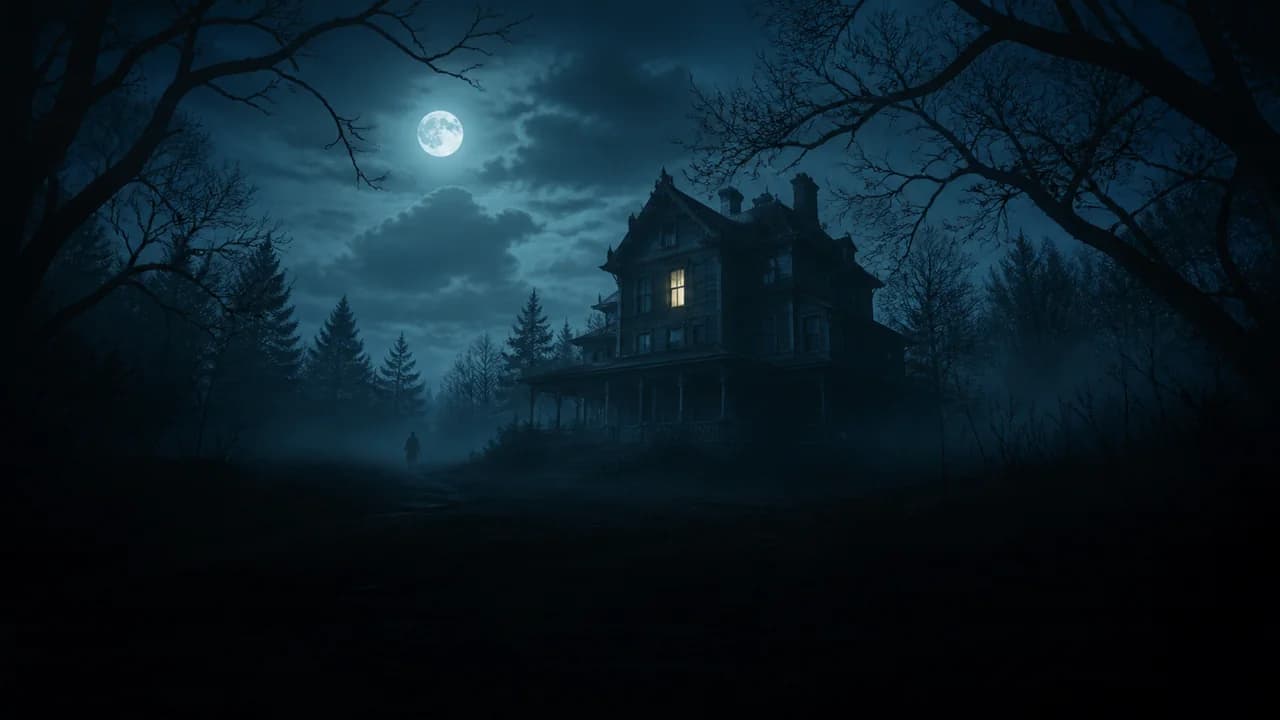
An unsettling opening, rising tension, and a final reveal. For suspense-driven fictional stories told through narration and scene visuals.
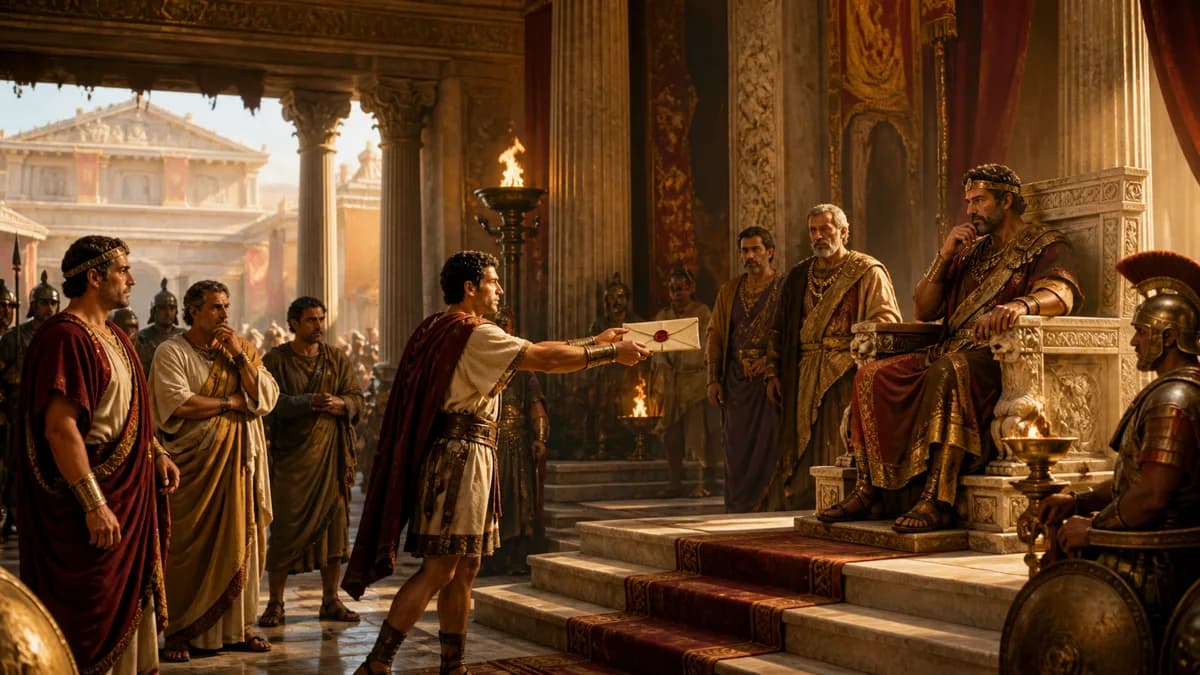
A real event, person, or turning point, with context that explains what happened and why it mattered. Check historical details before publishing.
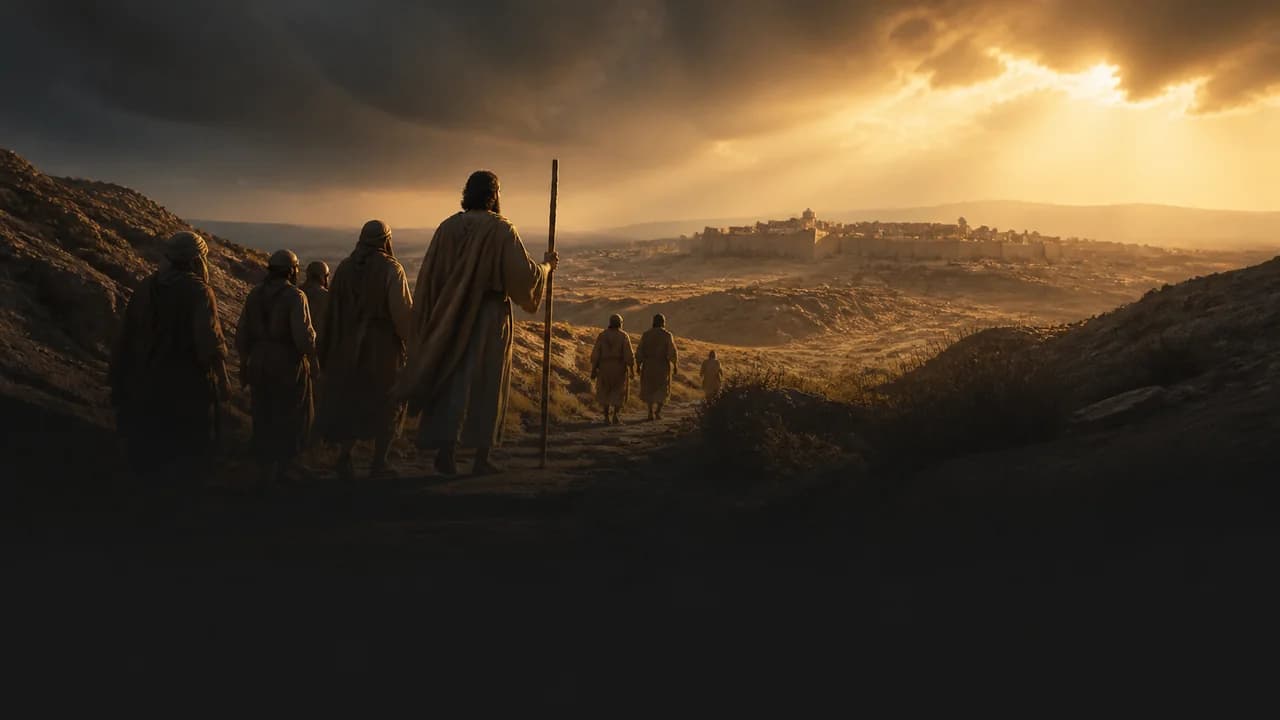
A focused retelling of a biblical passage. Keep the source context clear and distinguish the narrative from interpretation or later tradition.
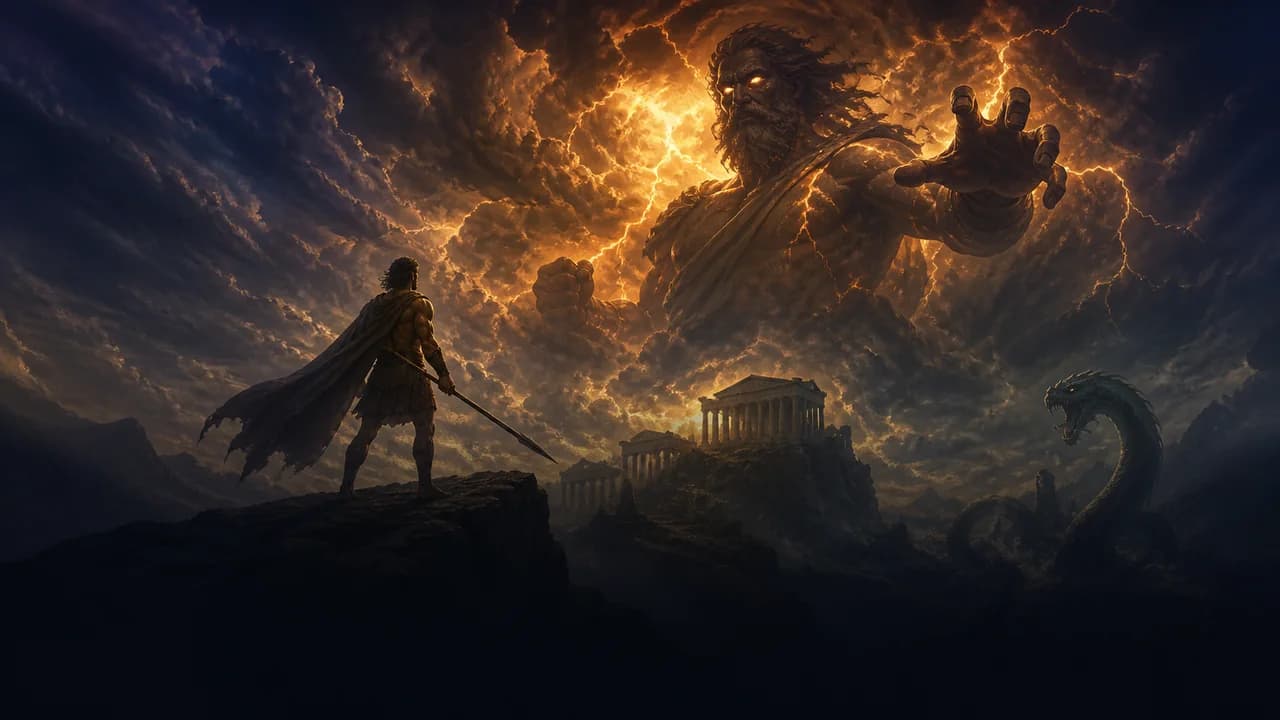
A character, conflict, or defining event from a traditional myth or legend. Follow one source version rather than mixing cultures or modern adaptations.
A documented mystery told through its timeline, evidence, and competing explanations. Keep theories separate from established facts and leave unresolved questions open.
Choose 9:16 for a vertical Short. Compare YouTube’s upload rules with this tool’s options.
| Setting | YouTube Shorts | This Tool |
|---|---|---|
| Aspect Ratio | Square or vertical. | Choose 9:16 vertical or 1:1 square. 16:9 is for regular videos. |
| Length | Up to 3 minutes. | 30, 45, 60, or 90-second presets. Check the finished video’s length. |
| Upload | Upload through YouTube Studio or the YouTube app. | Download the MP4 and publishing copy. Upload the video yourself. |
YouTube Shorts format and length rules
Choose from the available voices, visual styles, caption styles, and background music options in the generator. Set the output format before production.
This workflow does not import video links or turn existing long videos into Shorts. It does not include voice cloning, a full timeline editor, or automatic YouTube publishing.
For further edits after generation, download the MP4 and use your own video editor.
Check the trial limits, credit charges, data handling, and commercial-use conditions before creating or purchasing.
A new account can create one eligible 30-second, 720p Cinematic video free, with no credit card required. Free output is for personal, non-commercial evaluation.
For more videos, choose a one-time credit pack or a subscription. Subscriptions renew automatically until cancelled.
View PricingReview your project’s credit quote before confirming production. The quote depends on your selected settings.
Credits are reserved when you confirm. After production, the final cost is deducted and unused reserved credits are released. Optional AI Motion upgrades have a separate cost that you confirm before upgrading.
We do not use your prompts, uploads, or outputs to train our own AI models.
Your inputs are processed to create and deliver the video. Necessary content may be sent to third-party AI and infrastructure providers under their own agreements and privacy policies.
Read the Privacy PolicyOutputs created with paid credits or an active paid subscription may be used for lawful commercial purposes, including monetized channels, client projects, and brand accounts. Free or trial output is for personal, non-commercial use.
You must have the right to use your inputs and any third-party material. Commercial permission does not guarantee copyright protection, exclusivity, or YouTube monetization approval.
Read the Terms of ServiceYouTube supports Shorts up to three minutes. This tool currently offers 30, 45, 60, and 90-second presets. Three-minute generation is not available.
See Shorts settingsNo. A 16:9 video is a regular YouTube video. Choose 9:16 vertical or 1:1 square for Shorts.
Compare video formatsYes. Choose the own-script option in the generator and enter your narration. Review the script and written storyboard before confirming production. Inputs must fit the supported story workflow and content rules.
Start with your scriptNo. This workflow creates a new Short from a topic or narration script. It does not import video links or extract clips from existing long videos.
See the creation stepsYes. You can browse the page and choose your inputs and settings before signing in, but starting generation requires an account. The generator prompts you to sign in when needed. An eligible new-account trial does not require a credit card.
Open the generatorYes. An eligible new account can generate and download one 30-second, 720p Cinematic video free, with no credit card required. Free output is for personal, non-commercial evaluation. Further production requires paid credits or a subscription; AI Motion upgrades are not included in the trial.
View trial and pricing detailsCredits are reserved when you confirm production after approving the script and storyboard. Review the quote before confirming. After production, the final cost is deducted and unused reserved credits are released. AI Motion upgrades have a separate quote and confirmation.
Read the billing summaryCinematic uses AI-generated images with camera movement, narration, captions, and music. When available, AI Motion upgrades selected scenes to AI-generated video after the Cinematic version is ready. It costs extra and keeps the original version available. It does not animate every scene or guarantee exact actions and character continuity.
Compare the visual optionsThere is no full timeline editor for the finished video in this workflow. You can edit the script and written storyboard before production and choose the available settings. For further edits after generation, download the MP4 and use your own video editor.
Check settings and editing limitsNo. The ZIP includes the finished MP4 and supporting files, but not separate voiceover, scene images, or music files. Those elements are combined in the video. The script, SRT subtitles, cover image, and storyboard record are included as separate files.
See the download contentsNo. Download the finished video and upload it to YouTube yourself. Selecting YouTube Shorts includes suggested publishing copy in your package. Review it before posting. Automatic publishing and scheduling are not included.
See the upload stepsYes, for outputs created with paid credits or an active paid subscription, subject to the terms. Free or trial output is for personal, non-commercial use. You are responsible for input rights and platform compliance. Commercial permission does not guarantee copyright protection, exclusivity, views, or YouTube monetization approval.
Read the commercial-use termsWe do not use your prompts, uploads, or outputs to train our own AI models. Necessary content may be processed by third-party providers under their own agreements and privacy policies. This does not mean every provider follows the same training or retention rules.
Read the Privacy PolicyA confirmed system or provider failure that prevents a usable output restores affected credits to their original source under the refund policy. Credit restoration is not a cash refund. A completed video that does not match your preferred style is not automatically refundable. Review the script, storyboard, and settings before production.
Read the Refund PolicyStart with your own topic or script in the AI shorts generator. Review the script, written storyboard, and cost before production, then download your Short to upload yourself.


