
Scary Story
62.824 seconds · 9:16 · 720 × 1280
Create faceless TikTok story videos from a topic or your own script, with AI voiceover, scene visuals, captions, and music, plus TikTok post text and hashtags. Review your script and scene plan before production.
Choose Your Content
Choose how to start, then select or describe your story type.
See what this AI TikTok video maker produces. Play the three complete videos with sound to check the narration, captions, and how the visuals follow the story.
62.824 seconds · 9:16 · 720 × 1280
55.733 seconds · 9:16 · 720 × 1280
62.041 seconds · 9:16 · 720 × 1280
Go from a topic or script to a video you can download and post to TikTok.
Select a story format. Enter a topic, let AI suggest one, or paste your own script. Choose your language, voice, visual style, and duration. Select 9:16 for a vertical video.
Approve the script and written scene plan, then confirm the video production cost.
Download the finished MP4 and accompanying files, including TikTok post text and hashtags.
Download your finished video with voiceover, visuals, captions, and music, plus your script, subtitles, cover, and scene plan. TikTok is selected by default, so your package includes suggested post text and hashtags.
Your complete video with voiceover, visuals, captions, and music, ready to download.
The narration text from your video, saved separately for reference or reuse.
A separate subtitle file with timing information for compatible editing tools.
A separate image you can use when preparing your video’s cover.
A record of the scene descriptions used to create your video.
Suggested post text, hashtags, and a call to action based on your final topic and narration.
A checklist for checking your video, audio, cover, music rights, and publishing settings.
Use these frames from the lighthouse demo to see what to check when you preview your own video in TikTok.
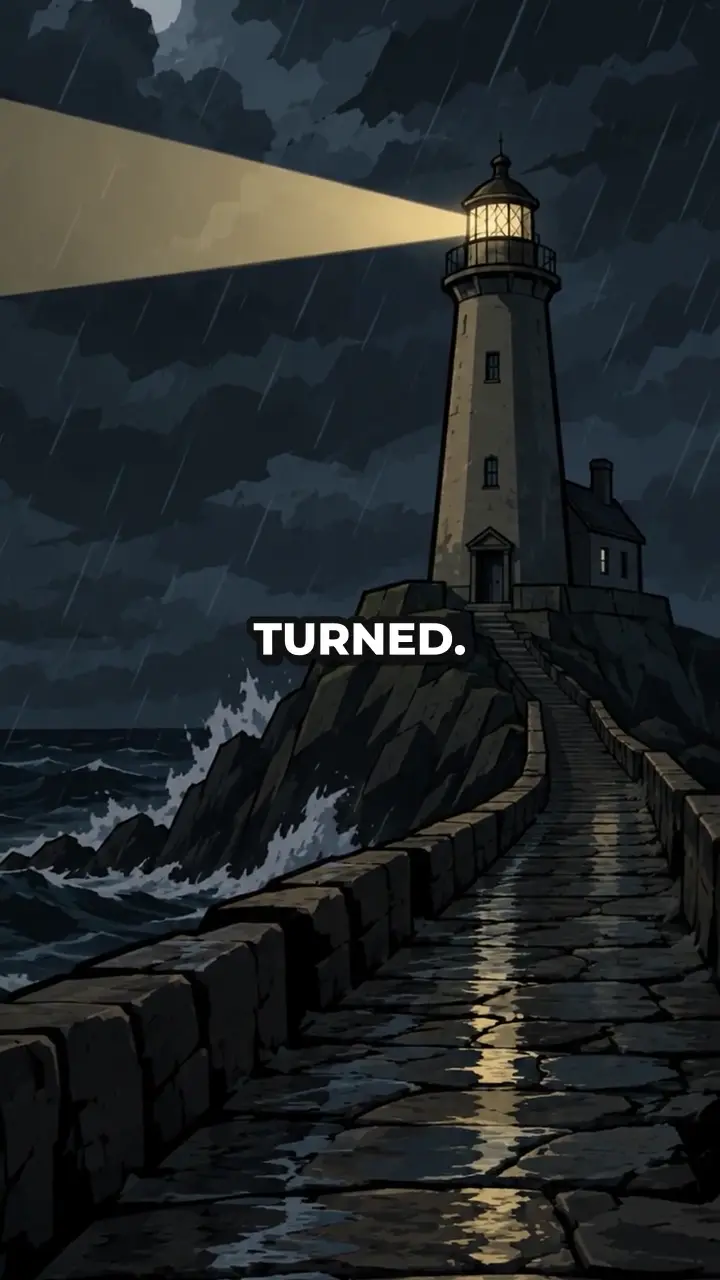
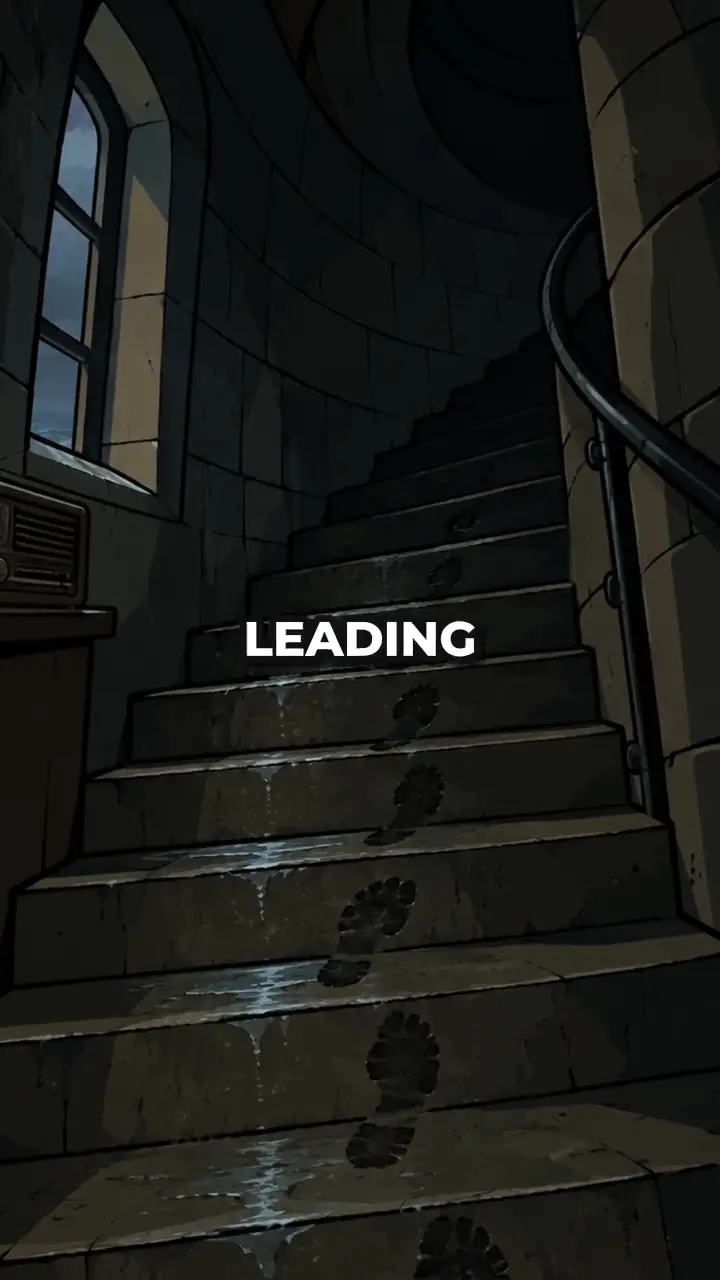
Shape the opening, scene descriptions, and audio style to fit your story.
Change the opening, clarify a point, or remove unwanted wording before approving your script.
Review the scene plan alongside your script and edit the scene descriptions. This is a written plan, not a preview of generated images.
Select your language, voice, caption style, and background music from the options available in the generator.
Cinematic combines AI-generated images with camera movement to make a complete video. Once it is ready, AI Motion can upgrade selected scenes to AI-generated video when available. Review the scenes and extra cost before upgrading; your original video stays available.
Find the story type that fits your topic, then select it in the generator.
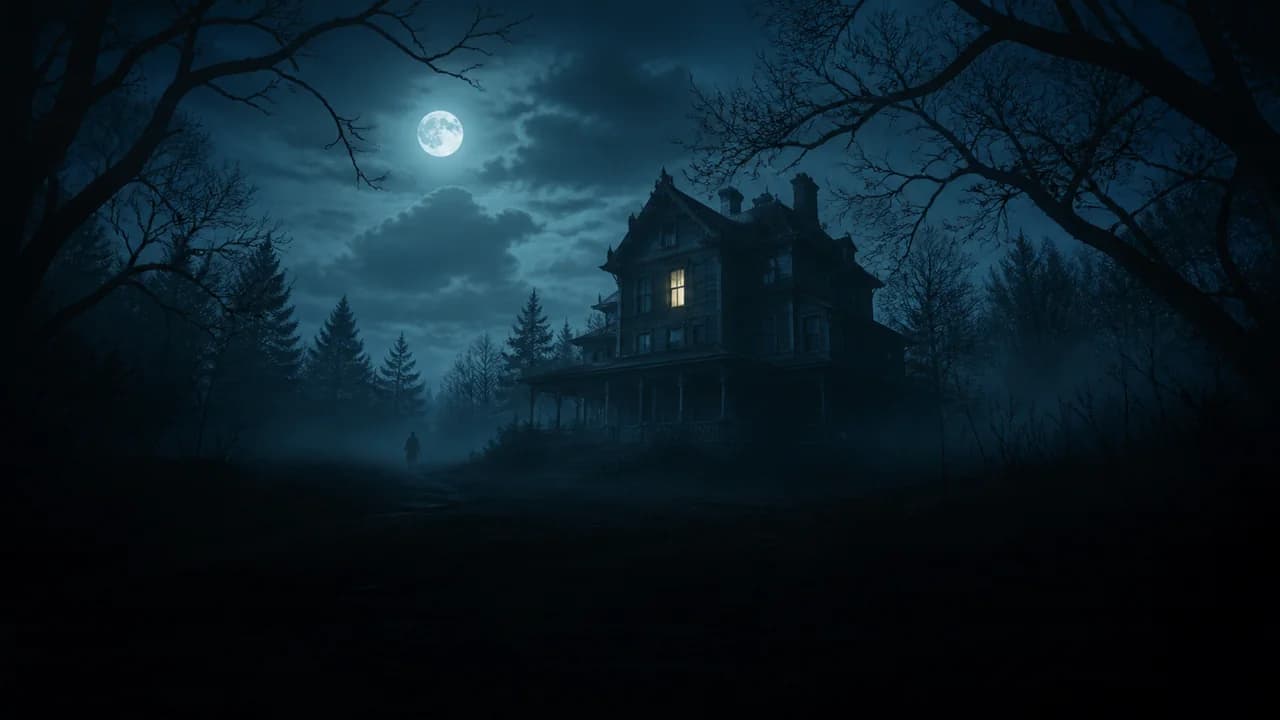
Create fictional horror stories with an unsettling opening, rising tension, and a disturbing reveal.
Check the available durations, languages, aspect ratios, and resolutions.
| Input | Enter a topic, use an AI-suggested topic, or paste your own script. |
|---|---|
| Your Script | 80–6,000 characters when you paste your own script. |
| Target Length | 30, 45, 60, or 90 seconds. The finished video may be shorter or longer. |
| Aspect Ratio | 9:16 vertical, 1:1 square, or 16:9 landscape. Choose 9:16 for a vertical TikTok video. |
| Cinematic Resolution | 720p, 1080p, or 4K. |
| AI Motion Resolution | 720p or 1080p when available. AI Motion does not support 4K. |
| Languages | English, Spanish, Portuguese, French, German, and Mandarin Chinese. Available voices depend on the selected language. |
| Download Format | MP4, included in your download package. |
This workflow uses AI-generated scene visuals. For Minecraft gameplay backgrounds, use our Minecraft Parkour Video Generator.
See what the trial includes, when credits are charged, and which outputs may be used commercially. Review the privacy and refund terms before you decide.
Eligible new accounts can create and download one 30-second, 720p video free. No credit card required. Cinematic uses AI-generated images with camera movement.
Trial output is for personal, non-commercial evaluation. Further video production requires paid credits or a subscription. AI Motion upgrades are excluded.
View Trial & Pricing DetailsYou will see the video production cost before you confirm. Preparing and reviewing your script and scene plan uses no video production credits.
When you confirm video production, credits are reserved. After production, the final cost is deducted and unused reserved credits are released. AI Motion upgrades show a separate cost for you to confirm.
View PricingWe do not use your prompts or outputs to train our own AI models.
Third-party AI and infrastructure providers process content needed to deliver the service under their own agreements and privacy terms.
Read the Privacy PolicyOutputs created with paid credits or an active paid plan may be used commercially, subject to the terms. Free and trial outputs are for personal, non-commercial use.
You must have the rights to your inputs. Commercial-use permission does not guarantee exclusive rights, copyright protection, platform acceptance, or monetization.
Read the Commercial-Use TermsGet clear answers about inputs, editing, downloads, publishing, and payment.
Yes. Choose I have a script at the top of the creator and paste 80–6,000 characters of narration. Use a supported story type: scary stories, history, biblical stories, mythology, or documented mysteries.
Paste Your ScriptBefore production, you can edit your script and written scene plan and choose the available video settings. After production, there is no built-in timeline editor. Download the MP4 and use your own editing software for further changes.
See the Review ControlsNo. This tool creates new story videos from a topic or text script. It does not import YouTube links, extract clips from existing videos, or convert uploaded video, podcast, or audio files.
Check the Input LimitsCinematic creates a complete video using AI-generated images and camera movement. When available, AI Motion upgrades selected scenes after the Cinematic version is ready. You confirm the extra cost separately, and your Cinematic version remains available. AI Motion does not guarantee exact movements or consistent character appearance.
See the Visual OptionsYou get a finished video, your narration script, a separate subtitle file, a cover image, scene descriptions, suggested post text and hashtags, and a publishing checklist. The video is an MP4 and the subtitles are SRT. Voiceover, music, and scene visuals are included in the video, rather than supplied as separate files.
See the Download ContentsNo. Download your video and upload it to TikTok yourself. Selecting TikTok adds suggested post text, hashtags, and a call to action to your package. Automatic posting and scheduling are not included.
See the Before-Posting ChecklistYes. An eligible new account can create and download one 30-second, 720p video free, using AI-generated images with camera movement. You need an account, but no credit card is required. Trial output is for personal, non-commercial evaluation. Further video production requires paid credits or a subscription; AI Motion upgrades are not included in the trial.
View Trial DetailsPreparing your script and scene plan uses no video production credits. After you approve both, you see the production cost and decide whether to continue. Credits are reserved only when you confirm production; the final cost is deducted after production and unused reserved credits are released. AI Motion upgrades are confirmed separately.
Read the Billing SummaryYes, outputs created with paid credits or an active paid plan may be used commercially under the terms. Free and trial outputs are for personal, non-commercial use. You must have the rights to your inputs and follow platform rules. Commercial-use permission does not guarantee exclusive rights, copyright protection, platform acceptance, income, or eligibility for TikTok monetization.
Read the Commercial-Use TermsWe do not use your prompts or outputs to train our own AI models. Third-party AI and infrastructure providers process content needed to deliver the service under their own agreements and privacy terms. Their data-use and retention rules may differ.
Read the Privacy PolicyFirst, the creator prepares a script for you to review. Video production begins only after you approve your script and scene plan and confirm the cost. It then creates the voiceover, visuals, captions, and finished video. Production time varies with video length, resolution, and provider availability; check your project for its current stage.
See the Creation ProcessCheck your project status before starting another generation. Contact support if production fails, appears stuck, or reports success without a usable file. A delay alone does not confirm failure. Confirmed technical failures that prevent delivery of a usable output restore affected credits under the refund policy.
Contact SupportDisliking a successfully generated video's style does not automatically qualify for a cash refund or credit restoration. Confirmed technical failures may restore affected credits; this is not a cash refund. Fully unused purchases may qualify for a cash refund when requested within 7 calendar days, subject to the refund policy.
View Refund ConditionsGive your next story a voice, visuals, captions, and music—all in one downloadable video package.